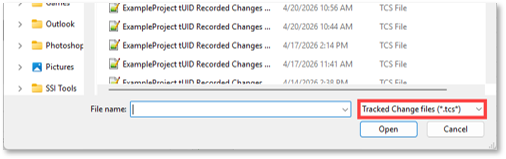
The Select File Pane allows users to browse for and select any .tcs file they wish to import changes from.
Drag and Drop Control
A .tcs file you wish to import changes from can be dragged from a file explorer and dropped into this area. Clicking on this area will open a file explorer to browse to a .tcs file.