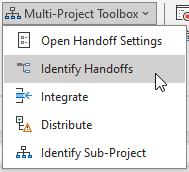
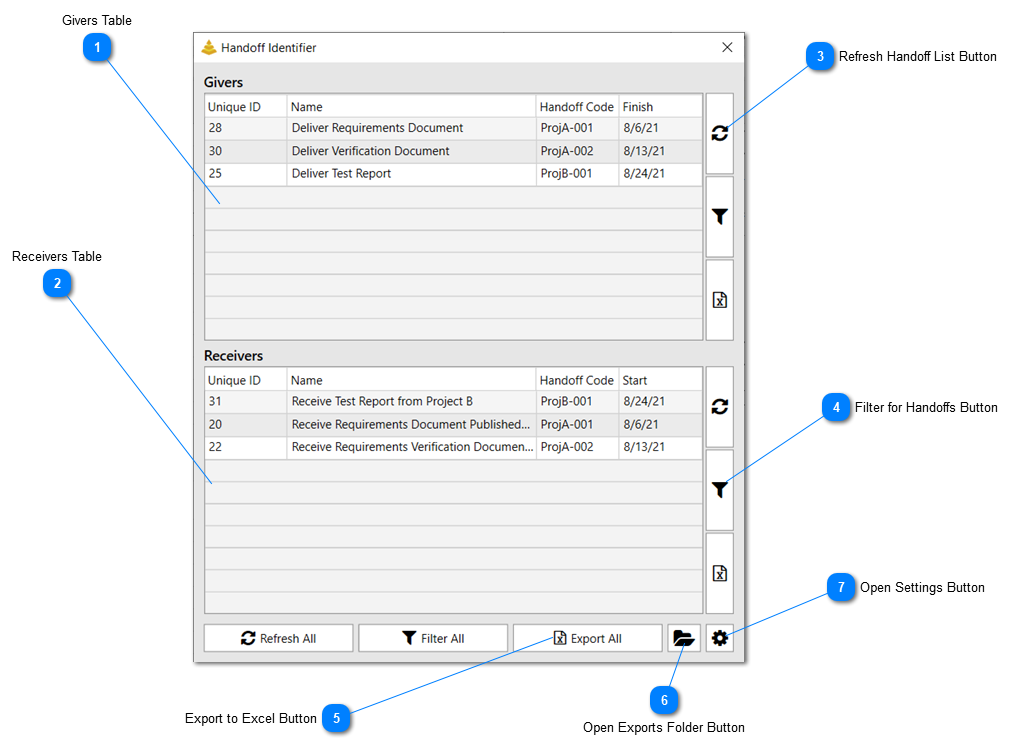
The Handoff Identifier allows users to quickly find, filter, and export Handoffs (Givers/Receivers) that exist within the active project file. This tool will identify Handoffs based on what fields have been set in the Handoff Options form. To open this form, click the Identify Handoffs button in the Multi-Project Toolbox menu.
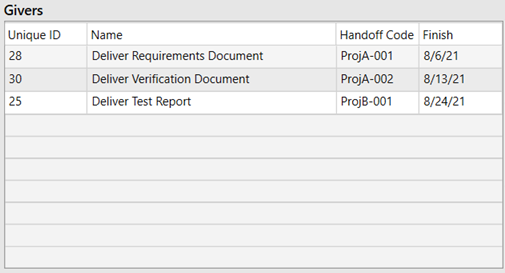
Givers Table
This table will show the list of Givers that have been found by the Handoff Identifier tool.
Click this button to refresh the list of Handoffs. Clicking the Refresh button by the Givers Table will refresh the Givers ONLY. Clicking the Refresh button by the Receivers Table will refresh the Receivers ONLY. Clicking the Refresh button at the bottom of the form will refresh both tables.
Click this button to filter the schedule for the list of Handoffs. Clicking the filter button by the Givers Table will filter the schedule for the Givers ONLY. Clicking the filter button by the Receivers Table will filter the schedule for the Receivers ONLY. Clicking the filter button at the bottom of the form will filter the schedule for both Givers and Receivers.
Click this button to Export the list of Handoffs to an Excel Spreadsheet. Clicking the Export button by the Givers Table will export the the Givers ONLY. Clicking the Export button by the Receivers Table will export the Receivers ONLY. Clicking the Export button at the bottom of the form will export both Givers and Receivers.