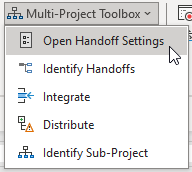
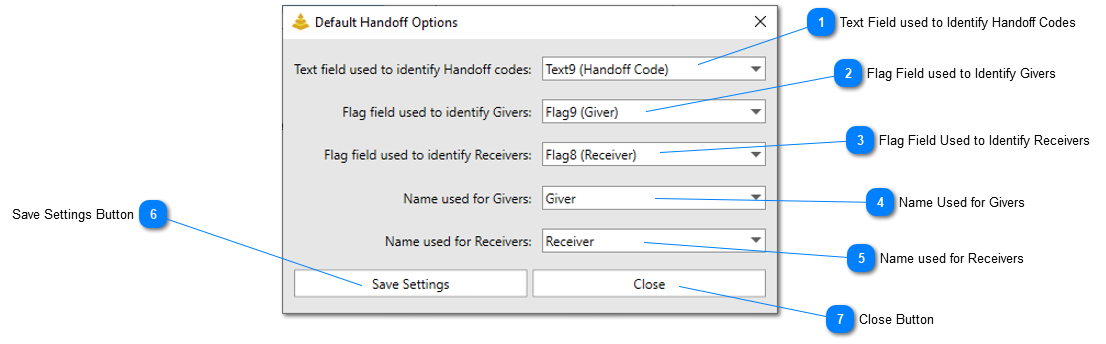
The Handoff Default Options form allows users to identify the fields that are used to identify Handoffs (Givers/Receivers) in their project files. This form will also allow users to set their preferred titled for Handoffs if they use different terminology than “Givers” and “Receivers”.
Text Field used to Identify Handoff Codes
Set this option to the text field that Subproject files will use to mark the Handoff Code of Givers and Receivers.
Set this option to the flag field that Subproject files will use to mark items that are Givers, or predecessors, in the Handoff relationship. Anything set to “Yes” that also contains a Handoff Code will be identified as a Giver by SSI Tools.
Set this option to the flag field that Subproject files will use to mark items that are Receivers, or successors, in the Handoff relationship. Anything set to “Yes” that also contains a Handoff Code will be identified as a Receiver by SSI Tools.
Click this button to save the settings applied in the form. The Handoff Code and flag fields will be saved at the project level. The Giver and Receiver names will be saved at the computer level.