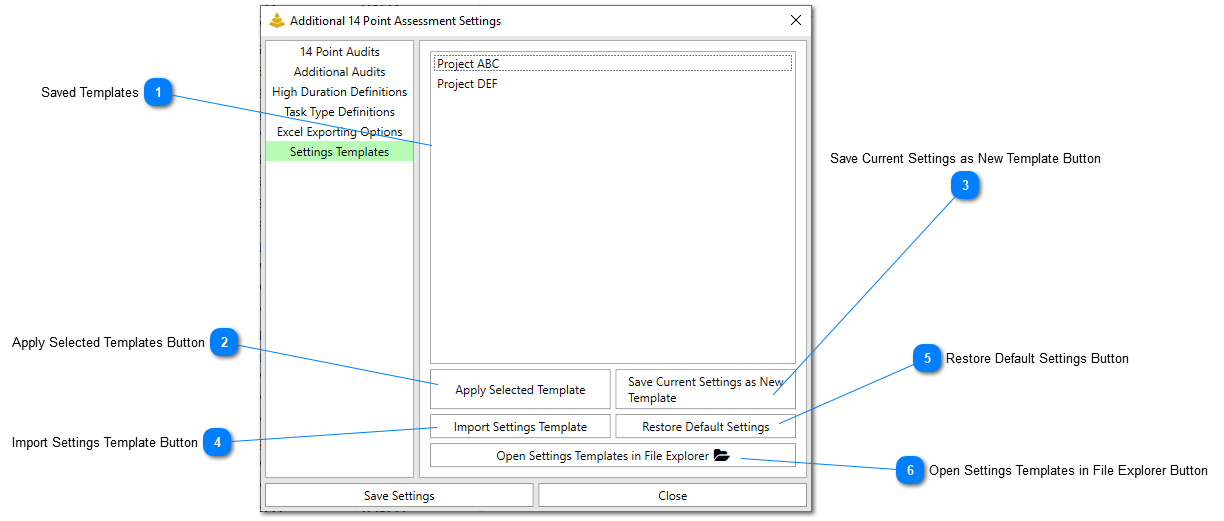
Users can create configurationsof their selected 14 Point Assessment options that can be toggled on or off and distributed to other SSI Tools users. This feature is useful if you want to have one set of settings for one project or customer and a different set of settings for a different project or customer.
Saved Templates
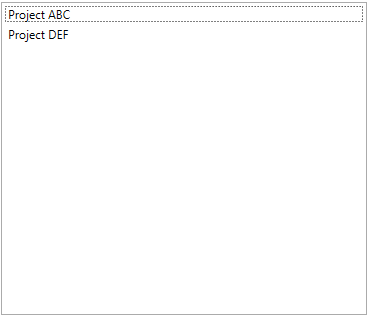
This list will contain all of the settings templates that have been created or imported. Any template in the list can be selected and applied.
This button will save the current settings as a new template. Users will be prompted to give their template a name. The settings templates are saved in [SSI Installation Location]\SSI_Tools\Settings\Schedule Health Settings\14 Point Settings as .json files.
This button will allow users to browse to a settings template .json file regardless of where it is located on the file system and save it into the Settings Templates folder.