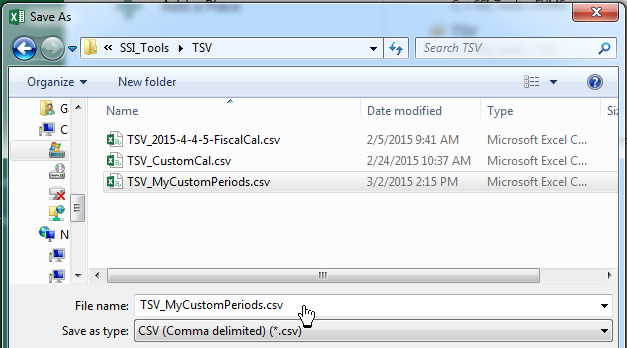
When you install SSI Tools, a folder is created named "TSV" (if you install in the default location this folder is at: "C:\SSI_Tools\TSV"). Any file that starts with "TSV" and ends with ".csv" will be displayed in this list. Double-click a file in this list to see its Period Label,Start and End date.
Note - users can create defined periods tables in Microsoft Excel as long as column A is the Period Label, column B is the Start date and column C is the End date. When saving a file created in Excel, save it as a "CSV (Comma delimited)" file type with a name that begins with "TSV".
Example of a defined periods table created and saved using Microsoft Excel
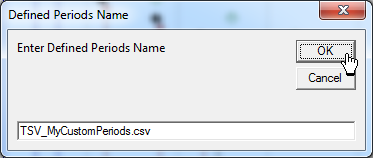
Enter a name for a Defined Periods definition table. To avoid overwriting an existing defined periods table, type a new file name on this form that begins with "TSV" and ends with ".csv". After clicking "OK" the new table is saved and will appear in the list of Defined Periods tables above.