SSI Tools for Microsoft Project

User guide

×
Menu
Index

Insert Subproject files into the Current Project

 
Insert Subproject files into the Current Project
1

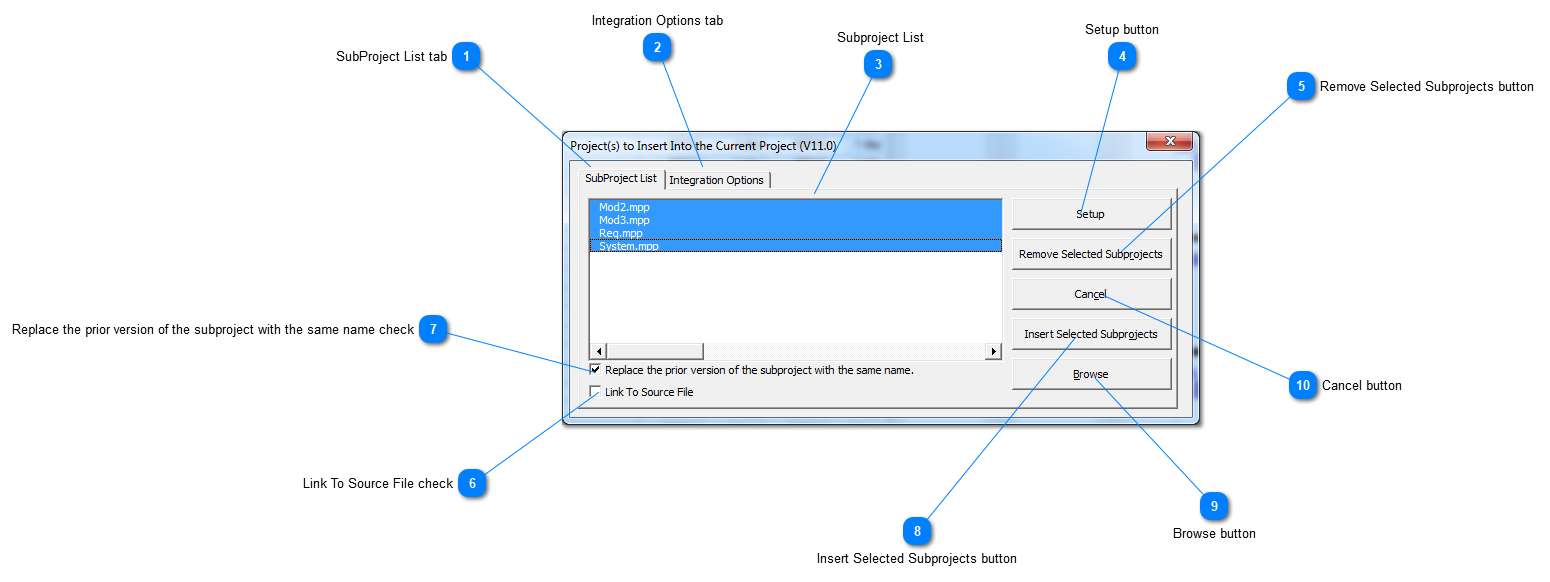
SubProject List tab

1. SubProject List tab
 
2

Integration Options tab

2. Integration Options tab
 
3

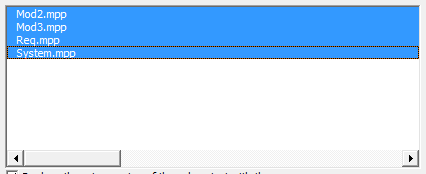
Subproject List

3.  Subproject List
 
4

Setup button

4. Setup button
 
5

Remove Selected Subprojects button

5. Remove Selected Subprojects button
 
6

Link To Source File check

6. Link To Source File check
 
7

Replace the prior version of the subproject with the same name check

7. Replace the prior version of the subproject with the same name check
 
8

Insert Selected Subprojects button

8. Insert Selected Subprojects button
 
9

Browse button

9. Browse button
 
10

Cancel button

10. Cancel button
 
Made by Dr.Explain, software documentation tool