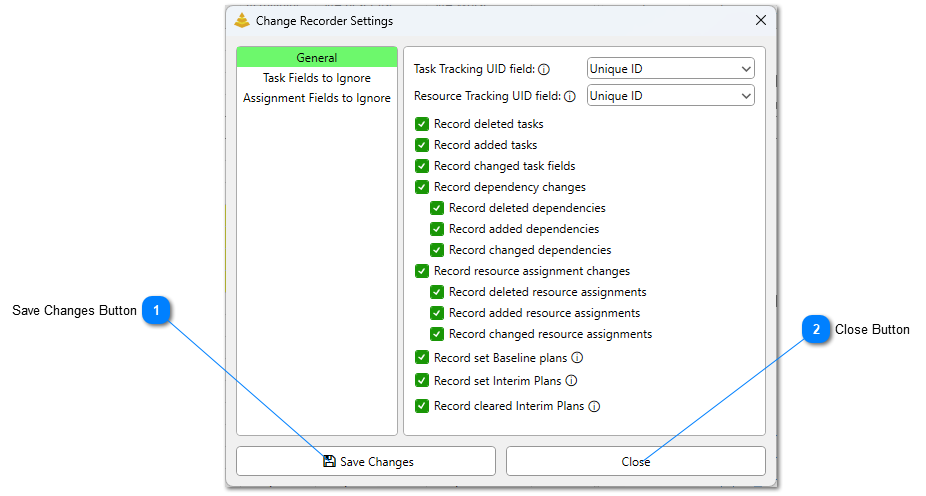
Before changes can begin recording, a user must confirm what they would like to record and what they do not wish to be recorded. The Change Recorder Settings form will automatically open when the Record Changes button is initially clicked. They can also be opened by clicking the down carrot icon to the right of the SSI Change Recorder button, and selecting the Open Settings button.
Save Changes Button
Click this button to save the settings set to the active project file.
Settings for the SSI Change Recorder are embedded within the Project file. In order for the settings to be remembered, the Project file must be saved.