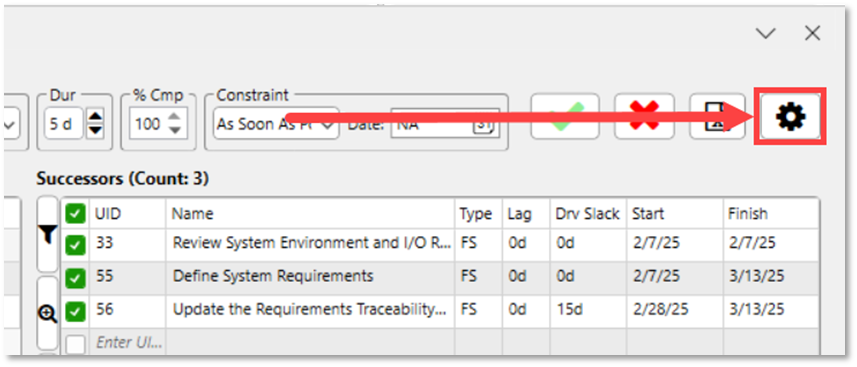
The Microsoft Project task fields displayed for the Currently Selected Task, Predecessors, and Successors can be configured to fit your preferences. To modify which fields are shown, click the Settings button located in the upper-right corner of the Dependency Tracer:
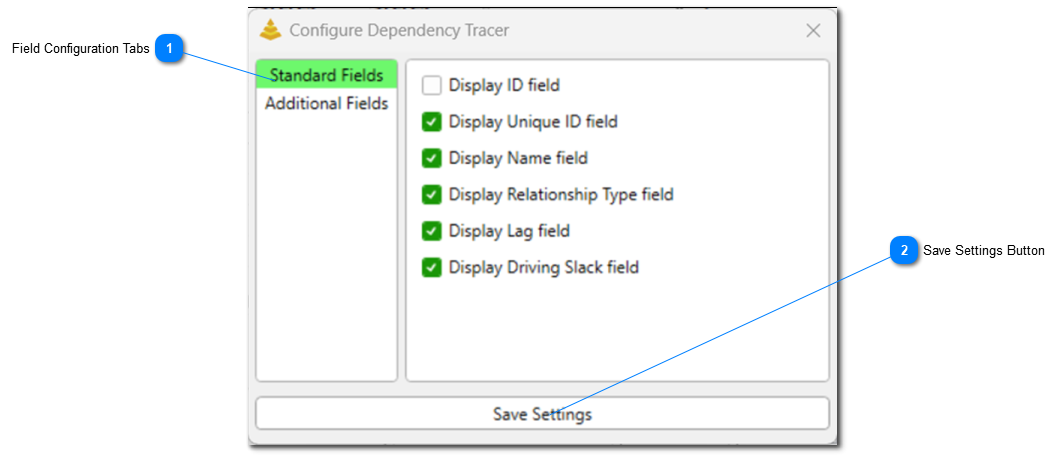
When this button is clicked, the Configure Dependency Tracer dialog will open:
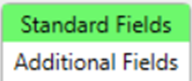
Field Configuration Tabs
This allows you to select what type of fields you would like to configure.
Clicking this button at the bottom of the Configure Dependency Tracer dialog will save the configuration applied for both the Standard and Additional Fields.
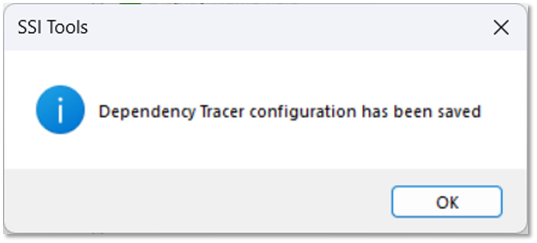
After this button is clicked, a message will be displayed indicating that the configuration has been saved: