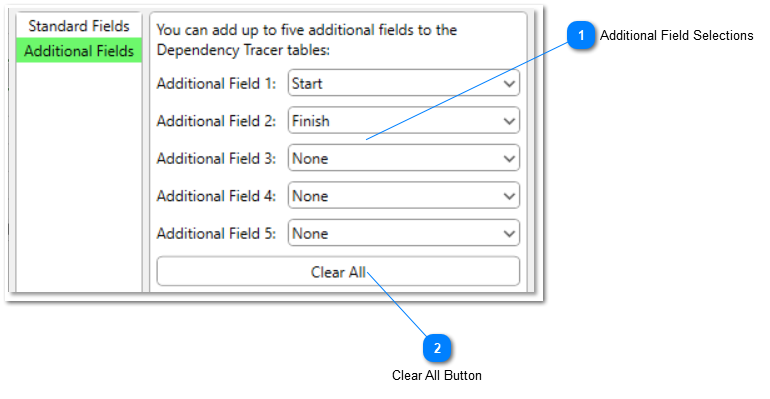
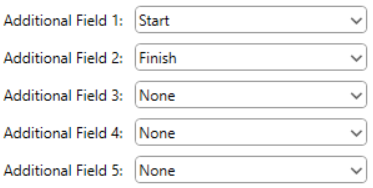
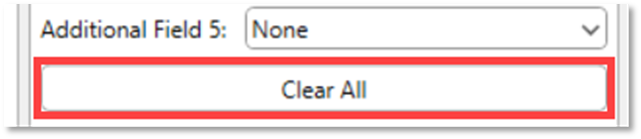
Additional fields are any other Task Fields in Microsoft Project you wish to see data from in the Currently Selected Task, Predecessors, and Successors sections of the Dependency Tracer. You can add up to five Additional Fields. By default, Start and Finish are set as the first two Additional Fields.
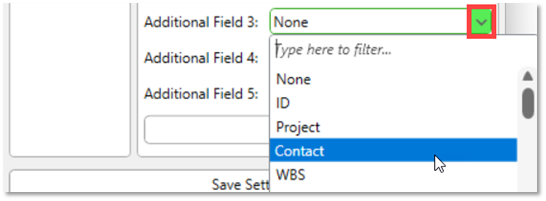
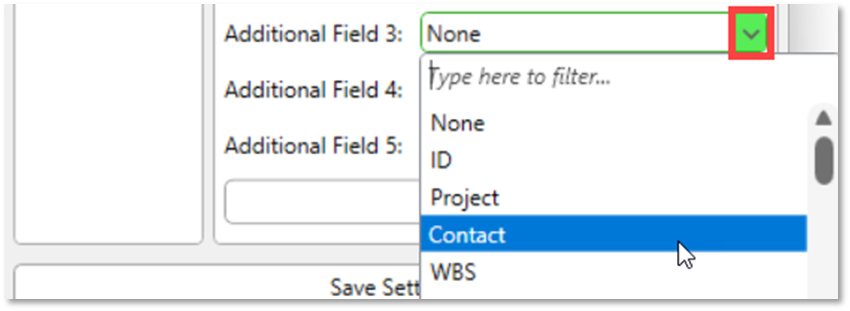
To add an Additional Field, select the field you would like to see from the drop-down menu control:
If you would like an Additional Field to be hidden, set its value to None