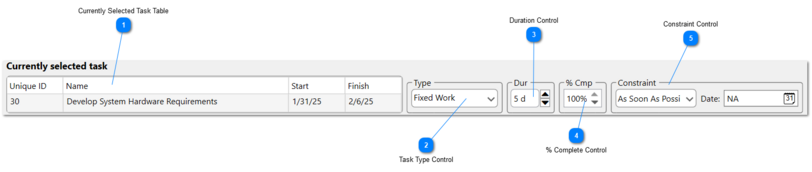
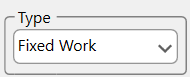
This table displays information about the currently selected task that cannot be adjusted from the Dependency Tracer itself. The columns displayed in this table can be adjusted through the Dependency Tracer Configuration.
This control lets you set the scheduled duration you wish to change currently selected task to. Clicking the up-arrow increases the duration by one day, while the down-arrow decreases it by one day. The duration cannot be reduced below zero. Alternatively, you can manually enter a value directly into the textbox.
This control is only available when the Depednency Tracer is displayed in a Horizontal Layout.
This control lets you set the % Complete you wish to change currently selected task to. Clicking the up-arrow increases the percentage by one, while the down-arrow decreases it by one. The % Complete cannot be increased beyond 100 or reduced below zero. Alternatively, you can manually enter a value directly into the textbox.
This control is only available when the Depednency Tracer is displayed in a Horizontal Layout.