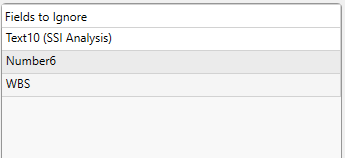
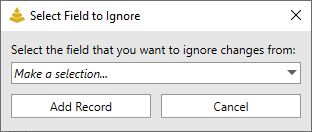
The Task Fields to Ignore tab will instruct the Change Importer what task fields to ignore changes from.
Fields to Ignore List
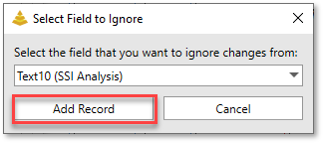
This list will contain all of the task fields chosen to ignore changes to. An item can be deleted from the list by clicking on it and pressing the DELETE key on the keyboard. An item can also be changed to a different field by clicking on it and then opening the menu that appears: