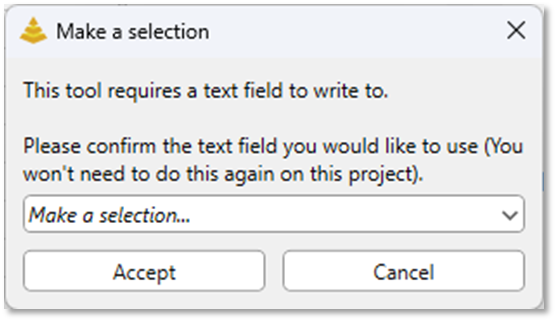
If you click the Get Connecting Pathbutton or try to open the Connecting Path Tool form in a project where the Connecting Path Tool has not yet been used, a dialog will appear informing you that the tool requires a Text field to write results into. You’ll be prompted to select which text field you’d like to use. No Connecting Path analysis can be run until a valid text field has been assigned for output.
Once you click Accept after selecting a Text field, your selection is saved to the project. As long as the project file is saved, you will not be prompted with this dialog again when using the Connecting Path Tool in that project. You can change the Text field saved to the project by changing the Trace Log Field within the Logging section of the Connecting Path Tool form: